
Color looks for iPhone
One look.
Every photo.
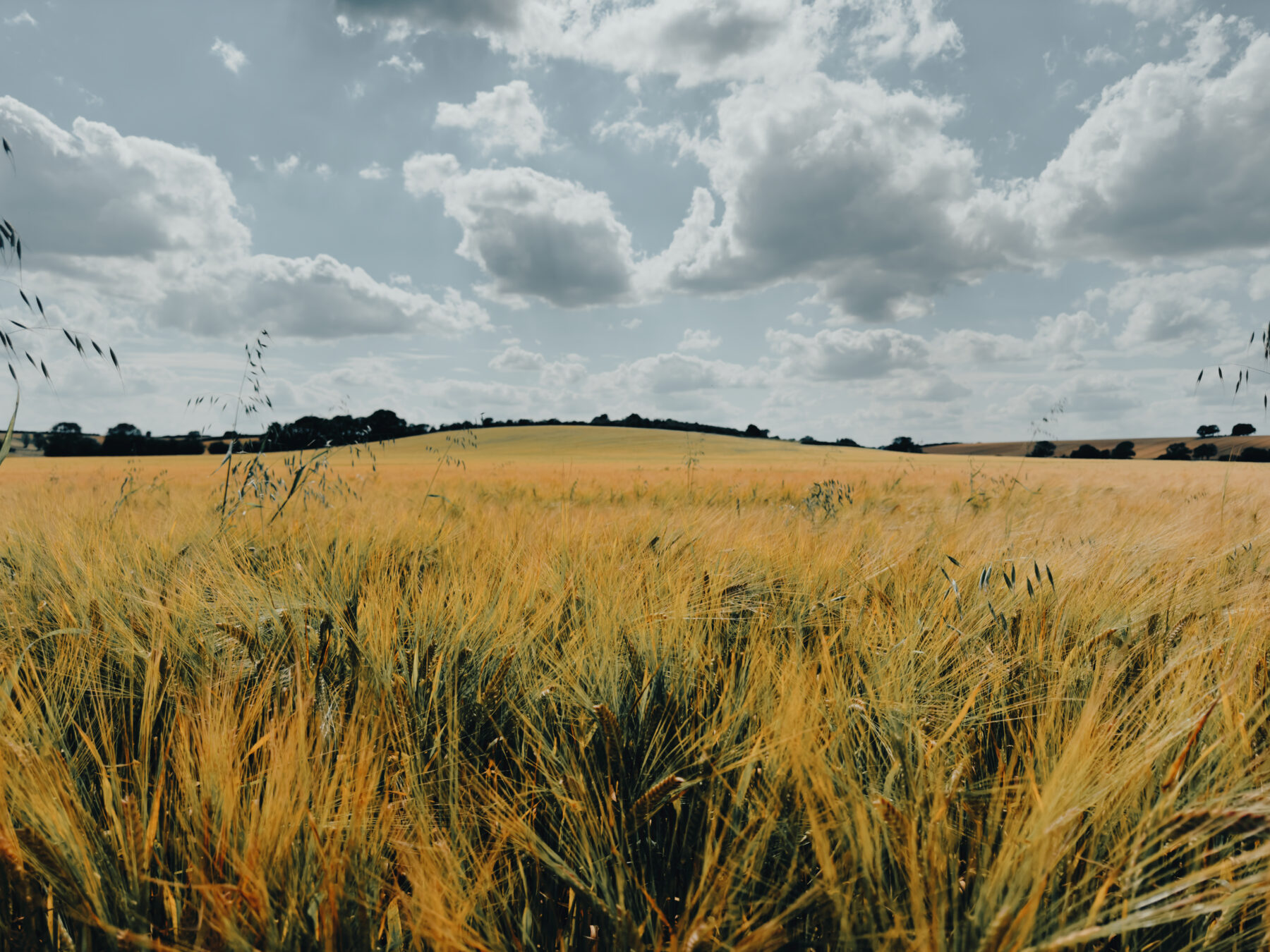
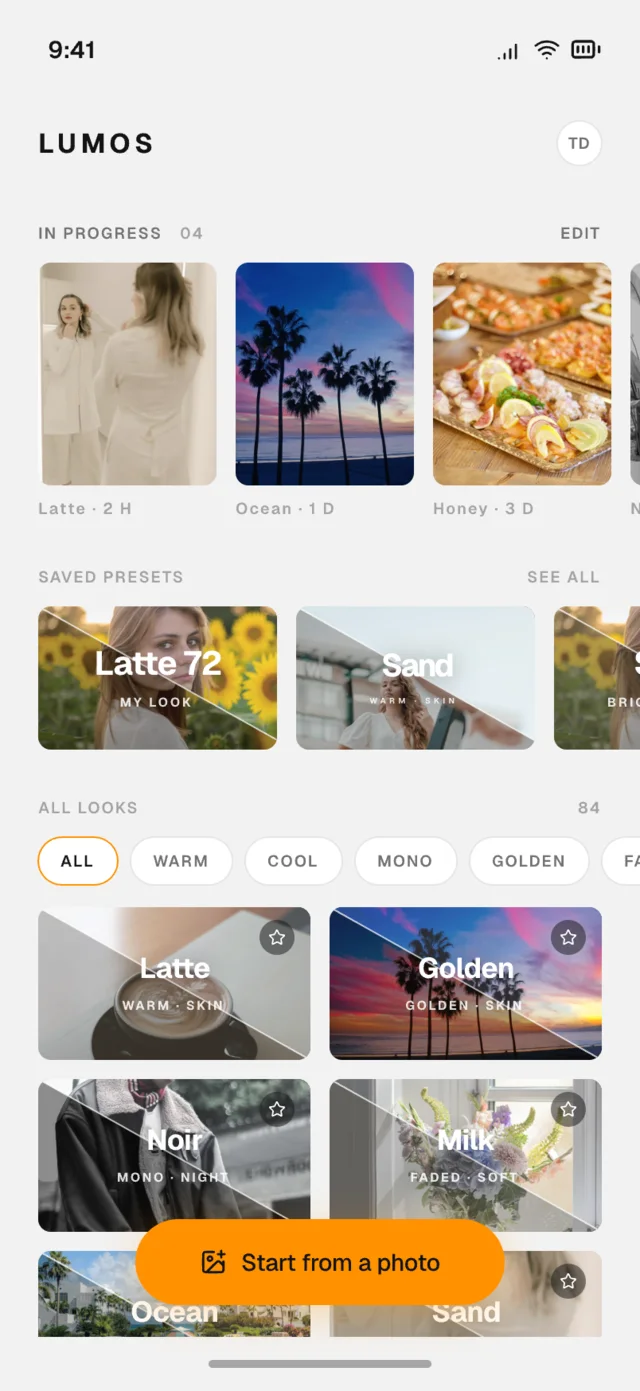
Lumos looks adapt to each photo’s light — bright noon, dim café, golden hour — so your feed finally holds one tone.


The catalog
Looks with a point of view.
Cine, matte, golden, vintage — every look is measured on real photos, not eyeballed on one.




How it works
Three taps to a post.
-
01
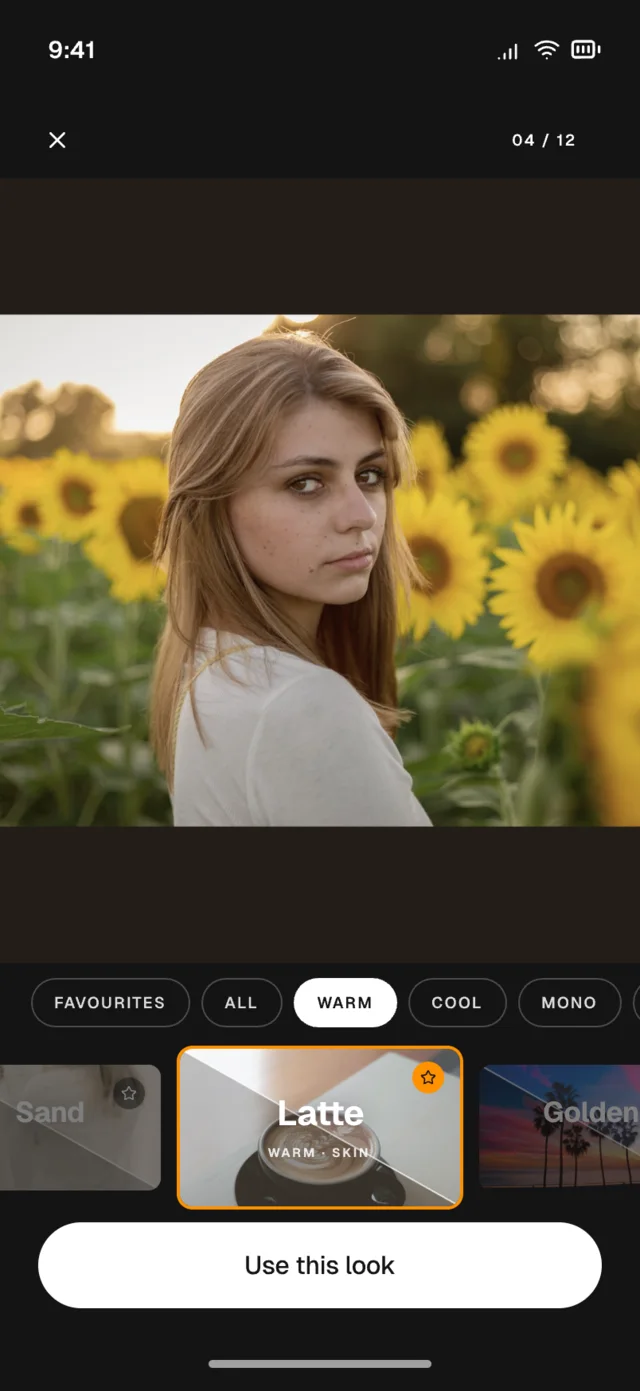
Pick a photo
Straight from your library. Drafts save themselves, captions included.
-
02
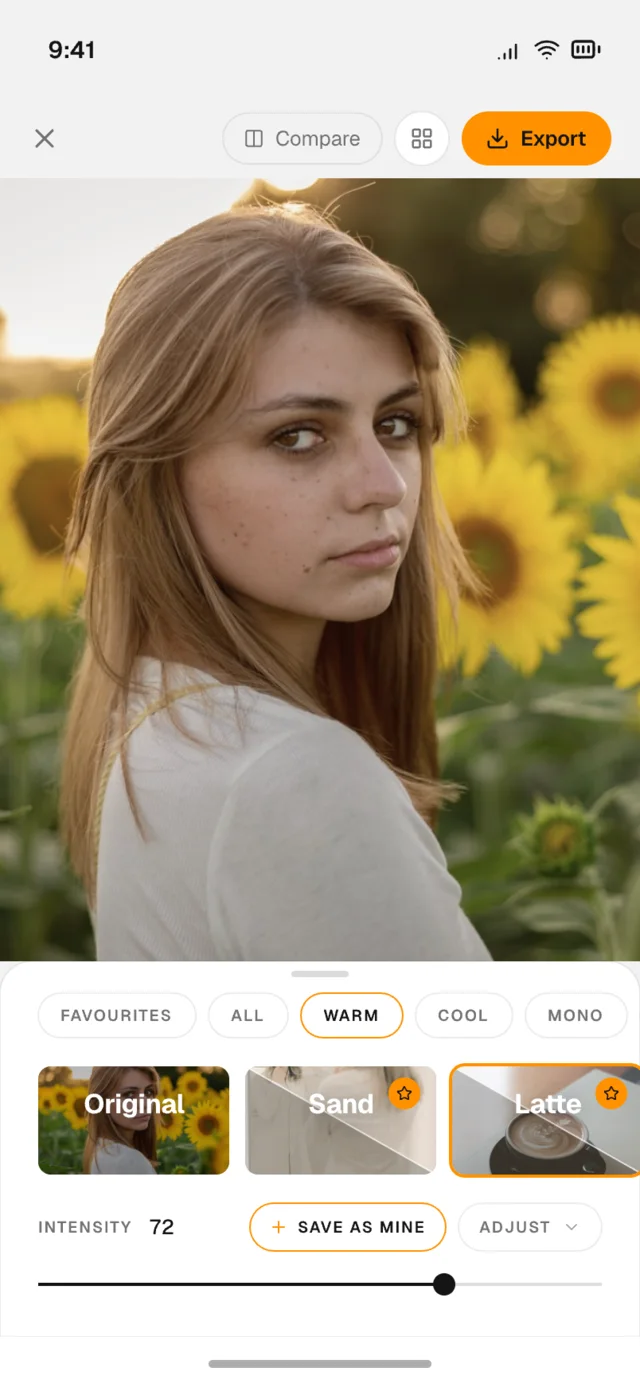
Choose a look
Swipe the catalog, drag the intensity until it feels right. Compare any time.
-
03
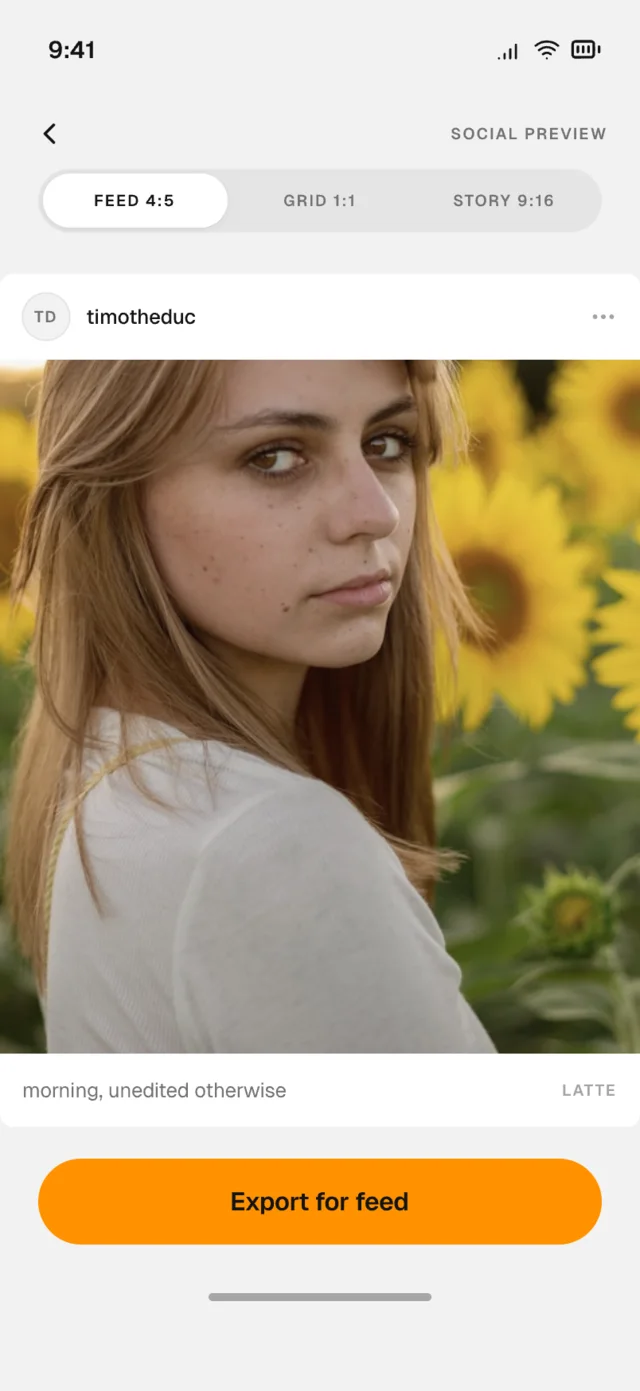
Export
Full quality, no watermark on your feed-ready photo. Post it anywhere.
Style match
Love a feed? Make it your look.
Share any public profile to Lumos. It reads the colors, the contrast, the tone curve — and builds a preset that gets the same feel on your photos.
TONE CURVE · MEASURED, NOT GUESSED
Your photos never leave your iPhone.
Every edit is computed on your device, on the GPU. Originals are never uploaded.
ON-DEVICE · 0 UPLOADS

Your feed, in one tone.
Lumos is on the App Store for iPhone.